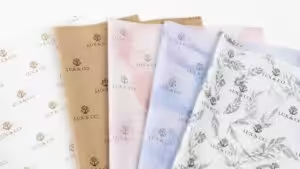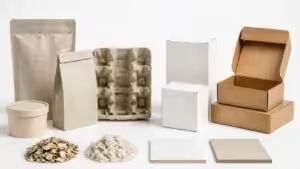
High-quality packaging and label printing comes down to four things: the right material, the right printing technology, quality ink, and precise resolution and color matching. Get one wrong, and print quality suffers.
This guide breaks down exactly how to achieve sharp, vibrant, defect-free prints. You’ll learn the key factors behind print quality, how to fix the most common printing defects, proven best practices for premium results, and how to control costs—so your packaging builds trust and stands out on the shelf.
Understanding Print Quality
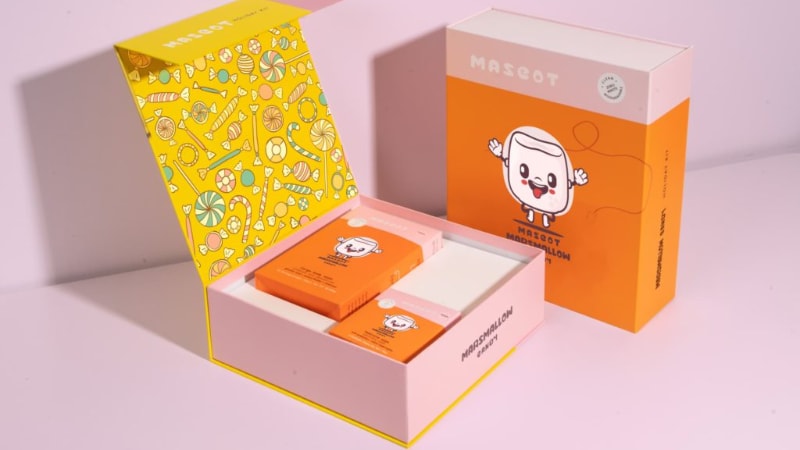
Print quality depends on multiple factors, including print resolution, color accuracy, and material choice. High-quality printing helps brands create a professional and polished look. Poor printing quality can lead to faded colors, blurry text, and weak branding.
Packaging, printing, and label printing require precision to maintain print consistency. The wrong paper type or incorrect printer settings can affect the final output. Print resolution plays a critical role in achieving sharp, detailed results.
Businesses need reliable printing solutions to avoid common printing defects in label printing. Smudging, misalignment, and streaks can reduce product appeal. Choosing the best printing method for high-quality packaging helps prevent costly mistakes.
Understanding print settings helps maintain high-quality printing across different materials. Companies looking for the best results should explore how to improve packaging print quality.
Finding the right provider also matters. Researching how to choose a printing company for packaging can help brands get consistent, vibrant prints.
4 Key Factors That Affect Printing Quality
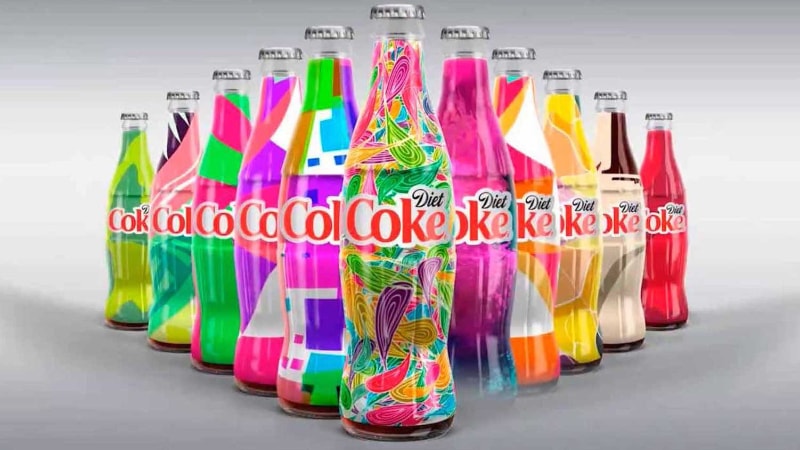
High-quality printing depends on multiple factors, from materials to technology. Understanding these elements helps brands achieve sharp, vibrant, and durable prints.
Factor 1: Choice of Printing Material
Printing materials (often based on shipping options and budget) affect the final look, feel, and durability of packaging and labels. Paperboard, corrugated cardboard, plastic, and flexible films all produce different results. The right material enhances print resolution, adhesion, and color vibrancy.
Some materials absorb ink more effectively than others. Uncoated paper can result in a softer, natural look, while coated materials produce sharper images with better color accuracy.
| Printing Material | Characteristics | Best Use Cases | Print Quality |
|---|---|---|---|
| Paperboard | Lightweight, smooth surface, recyclable | Folding cartons, premium packaging | Sharp print resolution, works well with coated and uncoated finishes |
| Corrugated Cardboard | Durable, multi-layered, impact-resistant | Shipping boxes, e-commerce packaging | Absorbs ink well but may require coatings |
| Flexible Films | Thin, lightweight, adaptable | Pouches, wrappers, flexible packaging | Needs heat-resistant inks and coatings |
| Uncoated Paper | Porous, matte texture, eco-friendly | Natural-looking labels, sustainable packaging | Softer look, absorbs ink for a muted finish |
| Coated Paper | Glossy or matte finish, smooth surface | High-end labels, detailed prints | Enhances color vibrancy and fine details |
Label printing often requires coated materials to maintain crisp details. Packaging printing on plastic films or flexible materials requires specialized inks and techniques for print consistency.
Factor 2: Printing Technologies and Their Impact on Quality
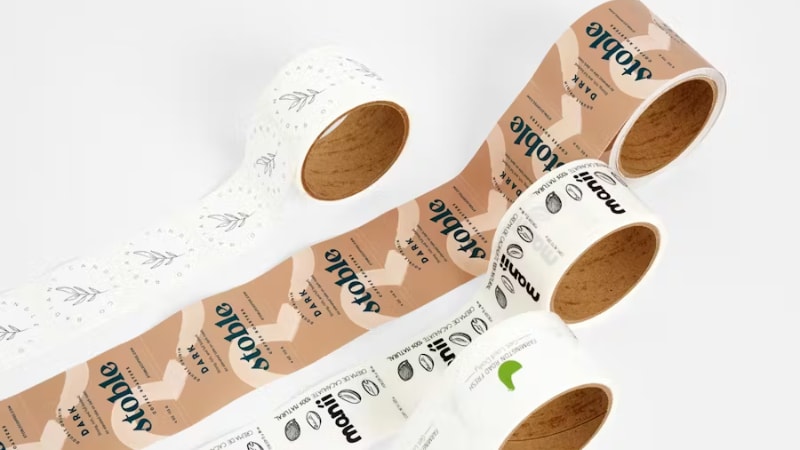
Different printing methods offer varying levels of detail, efficiency, and customization. Each technique suits specific needs based on volume, material, and design complexity.
- Digital Printing: Works best for short runs and variable data printing. Digital printing is for customization but may not match the color precision of traditional methods.
- Offset Printing: Offset printing delivers high-quality, consistent results for large print volumes and produces sharp images with excellent color accuracy.
- Flexographic Printing: This printing technique is suitable for packaging printing on plastic films, cardboard, and flexible materials. It is known for its speed and efficiency.
- Gravure Printing: It provides superior detail for premium packaging and works well for high-volume runs with intricate designs.
- Screen Printing: It is best for specialty packaging and textured finishes. Screen printing is often used for luxury branding and unique applications.
Selecting the right printing solution depends on cost, material, and quality requirements.
Factor 3: Ink Quality and Adhesion
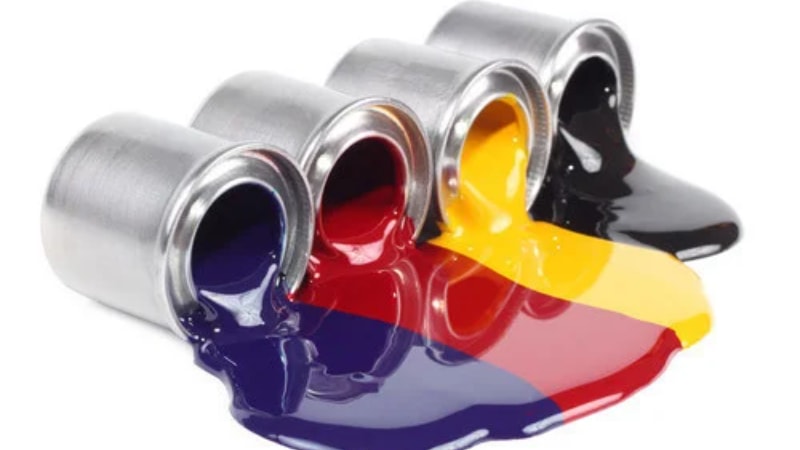
Ink type affects color vibrancy, durability, and adhesion. Packaging printing requires inks that resist smudging, fading, and wear. The right choice improves print longevity and appearance.
- Water-Based Inks: They are eco-friendly and best for porous materials. However, water-based inks may not adhere well to non-absorbent surfaces.
- UV-Curable Inks: These are fast-drying and highly durable. They work well for glossy and coated surfaces.
- Solvent-Based Inks: These inks offer strong adhesion and resistance to environmental factors. So they are suitable for outdoor labels and packaging.
Ink adhesion plays a crucial role in preventing common printing defects in label printing. Proper curing and drying techniques help maintain print consistency. Brands looking for long-lasting results should focus on selecting the best printing method for high-quality packaging.
Factor 4: Print Resolution, DPI, and Color Matching
Print resolution determines image clarity and detail. Dots per inch (DPI) affects how sharp or grainy an image appears. Higher DPI results in clearer, more professional prints.
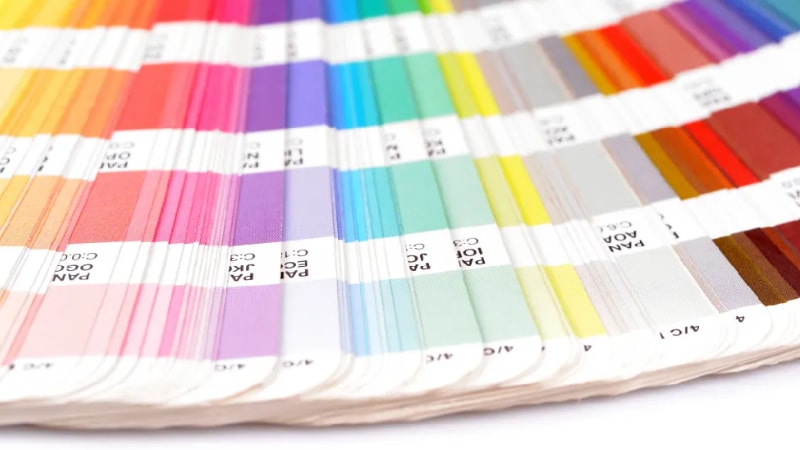
Color accuracy also impacts branding and product appeal. The CMYK color system works best for full-color printing, while Pantone colors provide precise color matching. Inconsistent color reproduction can lead to branding issues and product recalls.
For companies handling multiple print batches, maintaining color consistency is essential. Adjusting printer settings, calibrating colors, and working with experienced providers help achieve reliable results.
Common Printing Defects and How to Fix Them
Printing defects can affect packaging and label quality, making products look unprofessional. Identifying common issues and applying the right solutions helps maintain high-quality printing.
Blurry or Pixelated Prints
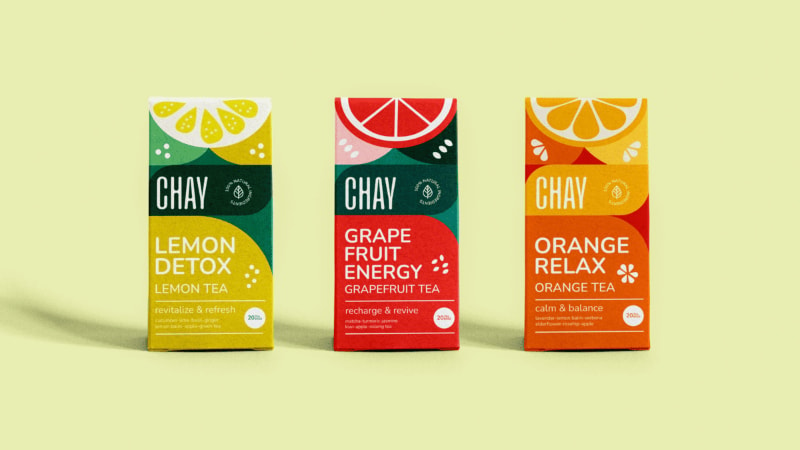
Blurry prints reduce readability and weaken brand perception. Low-resolution images and poor DPI settings often cause this issue.
- Low-quality images create pixelation, making text and graphics appear fuzzy.
- Incorrect DPI settings lead to unclear prints, especially on detailed designs.
Solutions
- Use high-resolution images to maintain sharp details.
- Convert artwork to vector graphics for scalability without quality loss.
- Choose professional printing services that offer high print resolution.
Color Mismatches and Fading Issues
Color inconsistencies impact branding and product appeal. Incorrect ink mixing and improper color profiles cause significant variations in printed materials.
- Inconsistent ink formulation results in unpredictable shades and tones.
- Incorrect color profiles create differences between digital designs and final prints.
Solutions
- Apply the Pantone Matching System (PMS) for precise color consistency.
- Standardize color calibration across all printing equipment and software.
- Use high-quality ink to prevent fading over time.
Ink Smudging, Drying, and Adhesion Issues
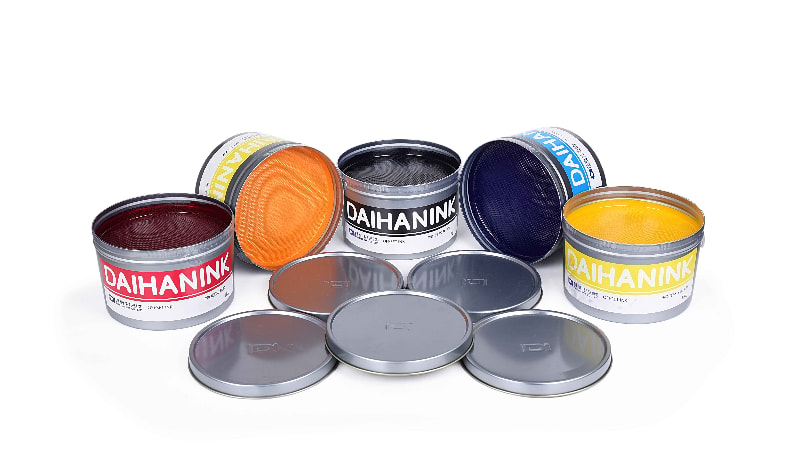
Ink-related problems can ruin packaging, printing, and label printing quality. Poor adhesion, humidity, and drying time issues often cause smudging and streaking.
- Improper ink adhesion leads to smears and smudges on printed surfaces.
- High humidity affects drying time, increasing the risk of ink transfer.
Solutions
- Use UV curing to speed up ink drying and improve adhesion.
- Select materials that support better ink absorption and durability.
- Choose high-quality ink designed for packaging applications.
Print Misalignment and Registration Errors
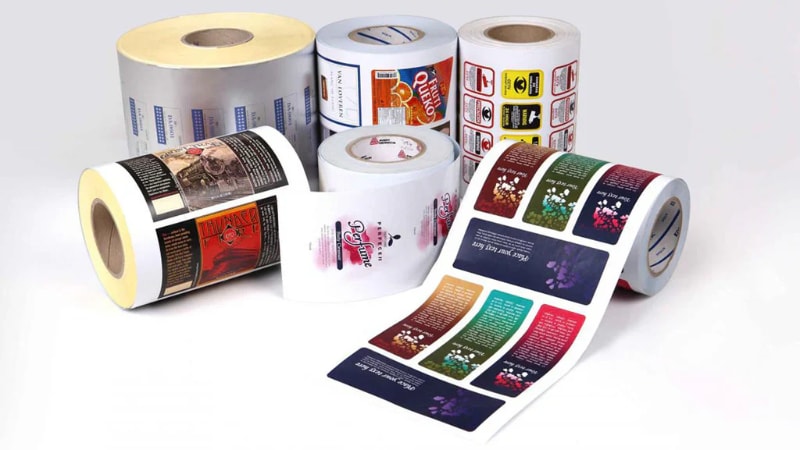
Misaligned prints make packaging and labels look unprofessional. Machine calibration problems and incorrect plate registration often cause these defects.
- Poor printer calibration results in shifting text and images.
- Incorrect plate registration causes overlapping or misaligned colors.
Solutions
- Perform regular printer maintenance to maintain accuracy.
- Conduct prepress proofing to check alignment before full production.
- Run test prints to detect and correct errors early.
Best Practices for Achieving High-Quality Packaging and Label Printing
Following industry best practices helps produce high-quality prints that enhance brand appeal. Proper preparation, finishing techniques, and quality control improve photo printing and custom packaging results.
Prepress Preparation and Proofing
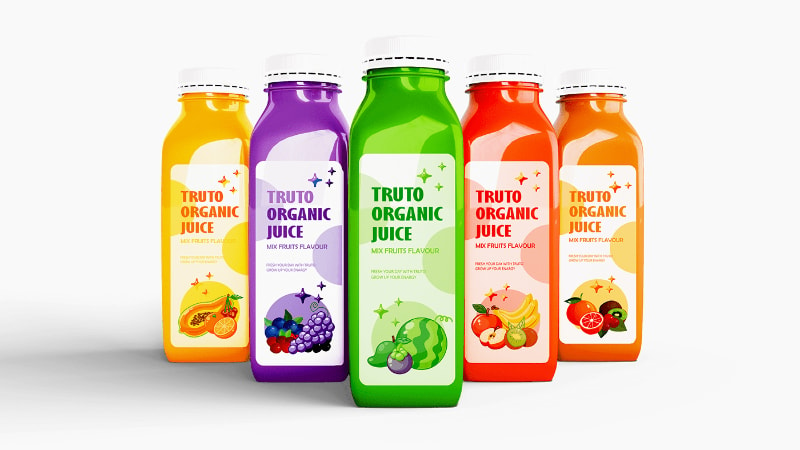
A thorough prepress process reduces errors in packaging, printing, and label printing. Checking files before production prevents defects that compromise print clarity.
- Reviewing files ensures correct color accuracy and resolution.
- Soft proofs, hard proofs, and digital proofs help detect errors before printing.
- Using professional services guarantees high standards for large prints.
Choosing the Right Printing Finishes for Premium Quality
Finishing techniques affect the final appearance and durability of custom packaging and custom pouches. The right coatings and treatments improve print consistency and create a premium feel.
- Matte vs. Gloss Coatings: Matte provides a soft, modern look, while gloss enhances vibrant colors.
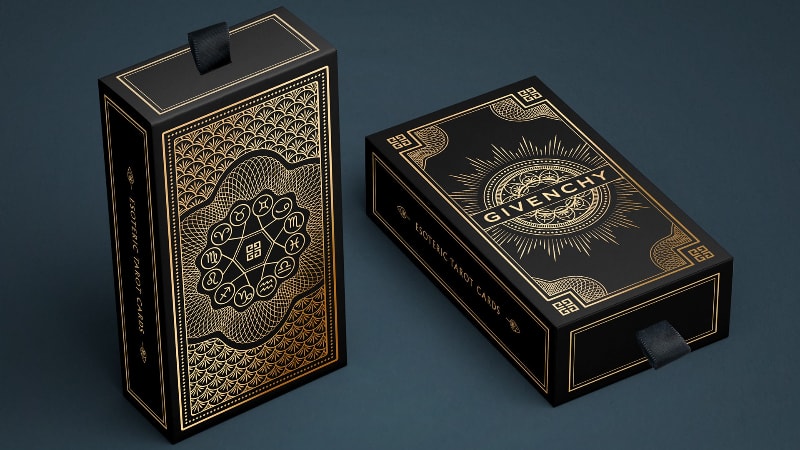
- Embossing, Debossing, and Foil Stamping: These techniques add texture and elegance to premium paper types.
- UV Spot Coating and Laminates: These finishes protect high-quality prints, ensuring longevity and resistance to wear.
Conducting Quality Control and Print Testing
Consistent printing quality requires rigorous testing and quality checks. Small businesses and large brands alike benefit from proactive defect detection.
- Random sampling identifies potential flaws in photo printing and packaging product designs.
- Print testing helps maintain color accuracy and eliminates printing defects before mass production.
- Uniformity checks across custom sizes confirm quality in every batch.
Applying these best practices produces high-quality photo prints and packaging that leave a lasting impression. Brands that design online or work with professional services achieve superior results.
Cost Considerations for High-Quality Printing
High-quality printing for packaging, printing, and labeling requires balancing cost and quality. Several factors influence overall printing expenses, from material selection to batch size.
Factors Affecting Printing Costs
The following factors determine printing costs.
- Material Selection and Substrate Type: Premium paper types, plastics, and flexible films impact cost. Coated materials often enhance color accuracy but increase expenses.
- Printing Technique: Digital printing is cost-effective for small businesses, while offset printing is better for high-volume packaging product printing. Flexographic and gravure printing work well for bulk runs but have higher setup costs.
- Volume and Batch Size: Small print runs have higher per-unit costs. Bulk printing reduces overall expenses and ensures printing quality consistency.
How to Reduce Costs Without Sacrificing Quality
Businesses can maintain high-quality prints while controlling expenses by making strategic choices. A good approach is to order in bulk. Large orders lower unit costs, especially for custom packaging and custom pouches.
Also, select the right printing method for a specific project. For example, suppose you need a short run of 500 custom product labels. In that case, digital printing offers a cost-effective solution compared to offset or flexographic printing.
It also helps to work with experienced printing partners. These professionals can offer valuable advice on printing techniques, materials, and batch sizes that suit your budget and quality requirements. They can also suggest ways to optimize designs for cost-effective printing.
Frequently Asked Questions About Packaging & Label Printing
Q1:What is the difference between digital and offset printing for packaging?
Digital printing uses no plates and prints directly from a file, making it ideal for short runs, quick turnaround, and variable data like serialized labels. Offset printing uses metal plates and delivers superior color consistency and lower per-unit cost at high volumes, but requires more setup time. As a general rule, choose digital for runs under 5,000 units and offset for larger, repeat orders where color precision matters. Many suppliers also offer hybrid options to balance cost, speed, and quality.
Q2:What is the best resolution (DPI) for print-ready packaging artwork?
For high-quality packaging and label printing, your artwork should be at least 300 DPI at final print size to ensure sharp text and images. Files below this resolution—especially images pulled from websites at 72 DPI—will appear blurry or pixelated once printed. Always work in CMYK color mode rather than RGB, and include a 3mm bleed to avoid white edges after trimming. Submitting vector files for logos and text will keep them crisp at any scale.
Q3:How long does packaging and label printing usually take?
Standard packaging and label printing typically takes 7 to 15 business days after artwork approval, depending on complexity, finishes, and order volume. Special processes such as foil stamping, embossing, or spot UV can add several days to production. Shipping time from the manufacturer to your location should also be factored in, especially for overseas orders. Requesting a physical proof or sample before full production is recommended to avoid costly reprints and delays.
Q4:How can I get high-quality custom packaging for my brand?
Start by partnering with a manufacturer that offers design support, physical samples, and clear print specifications so your artwork translates accurately to the final product. Look for a supplier that handles material selection, finishing options, and quality control in-house to ensure consistency across every batch. Requesting free samples lets you evaluate print sharpness, color accuracy, and material feel before committing to a full order. At Packoi, you can get an instant quote and free samples to bring your custom packaging vision to life with confidence.
Conclusion
Achieving high-quality printing requires the right printing solutions, materials, and experienced partners. Choosing the best printing technology ensures print consistency and vibrant colors for strong branding.
Businesses that prioritize packaging printing quality enhance customer trust and product appeal, leading to long-term success.
Take Your Packaging Printing Quality to the Next Level
Want to use vibrant, long-lasting, and defect-free packaging and label printing for your products? Packoi is a bulk provider of these solutions. Get in touch to discuss your needs.