In the ever-evolving world of print media, crafting an attention-grabbing booklet remains vital in 2026. As digital fatigue sets in, physical booklets have regained their charm, becoming a key tool for businesses, educational institutions, and creatives alike.
This blog post delves into the streamlined process of designing a booklet that not only captures your audience’s interest but also conveys your message effectively.
From choosing the right design software to understanding the nuances of booklet layout and printing, we’ll guide you through each step to ensure your booklet makes a lasting impression.
What Is a Booklet?
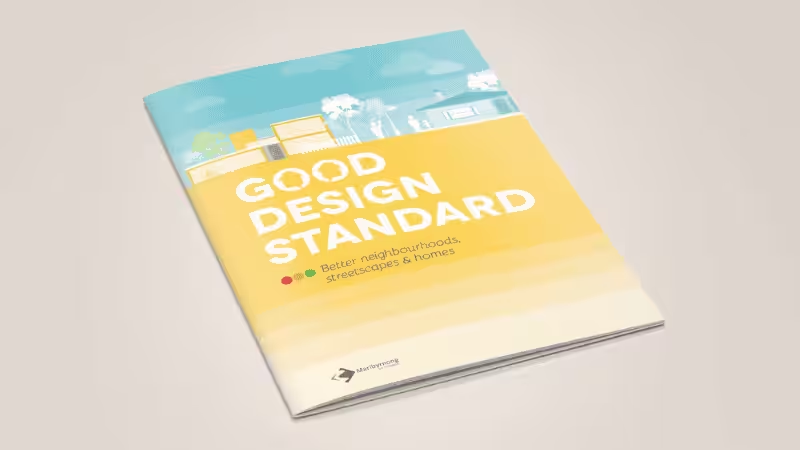
A booklet is a multi-page tool, typically a small, thin book with a paper cover, used for informational or marketing purposes. It ranges from a handful to dozens of pages and is often saddle-stitched, making it both portable and user-friendly.
Booklets serve various purposes, such as product guides, event programs, or educational materials. In essence, a booklet is a compact yet comprehensive medium to convey detailed information in a structured and visually appealing manner.
What Should the Business Booklet Include?
Crafting a business booklet is not just about putting words on a piece of paper. It should show your brand’s value and connect with your readers. To make it work, a well-designed booklet needs a clear structure. Let’s look at the key elements you must include to make your booklet stand out.
- Cover Page: First impressions are pivotal, and this happens on the cover page. As per a study by the University of Southern California, initial judgments are formed within the first 50 milliseconds of viewing, highlighting the importance of a creative and visually captivating cover page that reflects your brand’s essence. A well-designed cover increases the likelihood of the booklet being read.
- Introduction: This section sets the stage for your readers to begin with. It should briefly introduce the booklet’s format, purpose, and what readers can expect to gain from it, enticing them to delve deeper into the pages. Aiming for a length of 50 to 75 words keeps it concise yet compelling.
- Detailed Product/Service Information: The heart of your booklet, this section, should comprehensively detail your offerings. Clear, concise descriptions can elevate consumer understanding and interest, directly impacting purchasing decisions.
- Company Background: Sharing your company’s journey, ethos, and objectives can foster a connection with your audience. Nielsen’s research suggests that a strong emotional connection can increase customer loyalty and preference.
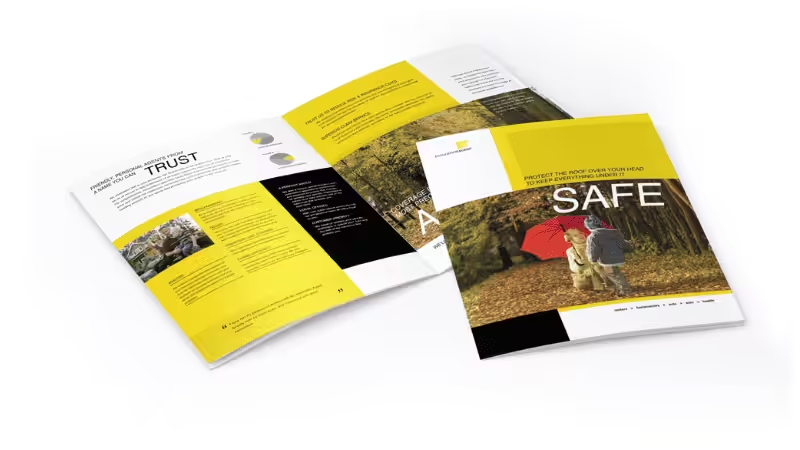
- Contact Information: Essential for facilitating further action or inquiry, clear contact details provide a direct line to your business, enhancing customer relations and accessibility. Therefore, when laying out this space, in addition to listing your phone number, official email, and physical address, you can also add clickable social media icons or a scannable QR code that leads directly to your landing page.
- Images and Graphics: Visual elements, high-quality images, and icons not only break the monotony of text but also aid in better explaining your products or services. They can significantly boost engagement and understanding.
- FAQs Section: Addressing common queries proactively demonstrates customer insight and can save valuable time for both the reader and your business. So include 3 to 5 common questions (e.g., shipping, customization, pricing), and keep each answer to two lines or less.
- Call to Action: Guide your readers on the next steps, whether it’s reaching out, making a purchase, or following your brand online. A well-crafted call to action can significantly increase conversion rates.
- Social Media and Website Links: In today’s digital age, providing online links is crucial for continued interaction. It allows readers to connect with your site and brand across various platforms. So place these links clearly on the back cover to mirror your front cover. Also, don’t forget to use recognizable social icons to save layout space. This keeps your design clean while effectively driving traffic to your online store.
3 Functions That a Good Booklet Must Have
Understanding the essence of a good booklet is crucial in today’s information-rich world. A well-crafted booklet serves three primary functions: delivering information, engaging the reader, and representing or promoting a brand.
Let’s explore these essential roles and how they influence sales and brand perception.
1. Information Delivery
The primary function of a booklet is to deliver information effectively. Clarity and conciseness are key here. According to Nielsen Norman Group, users often leave a webpage within 10–20 seconds if they don’t find the content relevant.
This principle is equally applicable to booklets. The information should be organized to capture and maintain attention quickly, using clear headings, bullet points, and concise paragraphs to facilitate easy comprehension and retention.
Well-presented information educates potential customers about your products or services and influences their purchasing decisions. By providing clear and valuable information, you’re directly contributing to a more informed customer base, which can lead to increased trust and higher conversion rates.
2. Reader Engagement
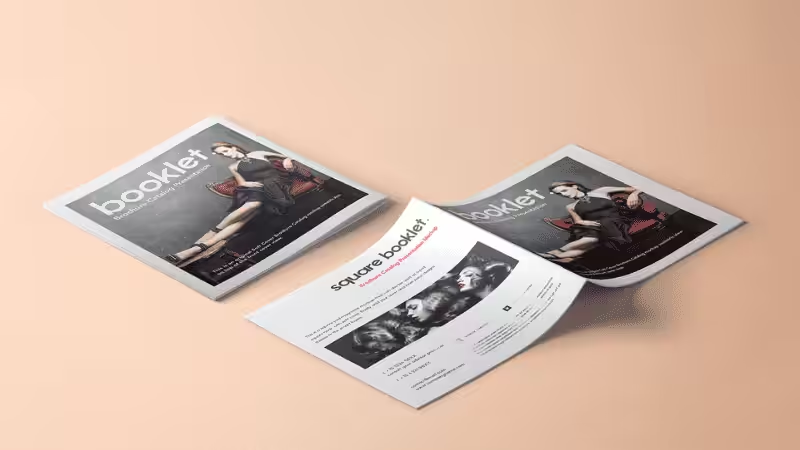
Engagement is what elevates a booklet from informative to captivating. Incorporating visuals is a critical factor in this aspect. Visuals can increase the willingness to read content by up to 80%.
Therefore, integrating images, infographics, and attractive graphics can transform the reading experience, making it more enjoyable and memorable. An engaged reader is more likely to absorb and recall your message, which is crucial in nurturing customer relationships and driving sales.
Creating an engaging booklet encourages readers to spend more time with your content, fostering a deeper connection with your brand and increasing the likelihood of them taking action.
3. Brand Representation or Promotion
Finally, a good booklet should effectively represent or promote a brand. It’s the subtle art of conveying your brand’s message and identity through the design and content of the booklet.
Forbes highlights that consistent brand presentation across all platforms, including print media like booklets, can increase revenue by up to 23%. The booklet design templates should align with your brand’s tone, style, and values as a cohesive part of your overall branding strategy.
A strong brand representation in your booklet reinforces your brand identity and plays a pivotal role in differentiating your offerings in a competitive market.
By effectively promoting your brand through a booklet, you’re not just sharing information but also enhancing brand recognition and loyalty, which are critical drivers for long-term business success.
How to Design and Print a Good Booklet: 8 Practical Ideas
Designing a standout booklet requires more than just arranging graphics on a digital screen. To make your project successful, you must plan for how it will look, feel, and open when printed.
Let’s look at the essential rules of a good booklet layout and how to prepare your designs perfectly for the print shop.
1. Develop a Unique Theme or Concept
Every great booklet starts with a unique theme or concept. It’s the core idea that guides your design choices and content. This theme should resonate with your brand identity and the message you wish to convey. Whether minimalist, sleek, vibrant, or energetic, ensure it aligns with your target audience and objectives.
2. Play with Color and Typography
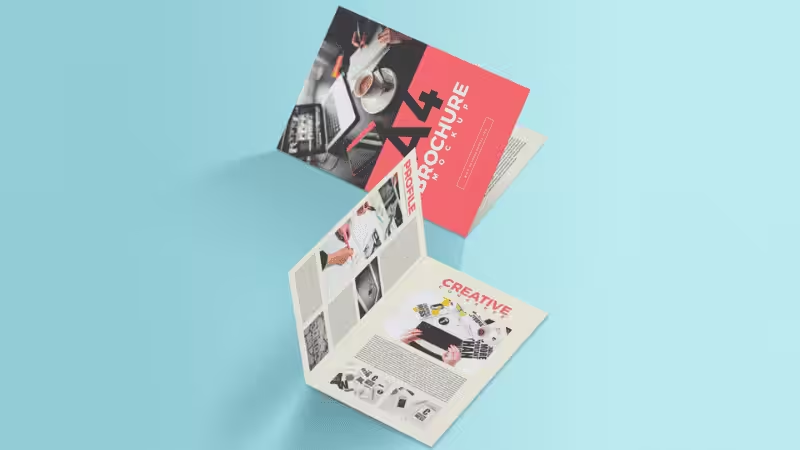
Colors, fonts, and typography are more than just aesthetic choices; they convey emotions and set the tone of your booklet. According to a study, color increases brand recognition by up to 80%. Use colors that reflect your brand palette and typography that enhances readability while adding character to your booklet.
3. Pick the right binding style
How you bind your booklet affects how it feels, how long it lasts, and how people use it. Match your binding options to your page count:
- Saddle Stitch: Uses small metal staples. It’s cheap and fast, but best for booklets under 60 pages like newsletters. It is not the most durable option. But your total page count must be a multiple of 4 (e.g., 8, 12, 16 pages), or you will get blank pages.
- Perfect Binding: Uses glue for a clean, square spine. It’s very sturdy and looks high-end, but costs more than saddle stitch. Common for magazines and catalogs.
- Wire Coil & Spiral Binding: Uses metal or plastic loops/spirals. Pages turn 360 degrees and lay completely flat. Perfect for notebooks, cookbooks, and planners.
- Hardcover: The most durable and expensive option. It looks premium. You can add foil to the cover or edge painting. Perfect for special editions.
4. Leave Space for Cutting and Binding
Printing and binding both take up space. If you don’t leave enough white space, your content can get cut off or lost in the spine.
- For trimming: Keep important text and logos away from the edges. Add at least a 3mm bleed around your pages so backgrounds print edge-to-edge. This helps create a clean, professional margin.
- For binding: Binding eats up spine space — especially perfect binding. Coil and spiral binding also need extra room for punches. Content too close to the center will get hidden or damaged, so always add a safe inner margin.
5. Use Booklet Templates
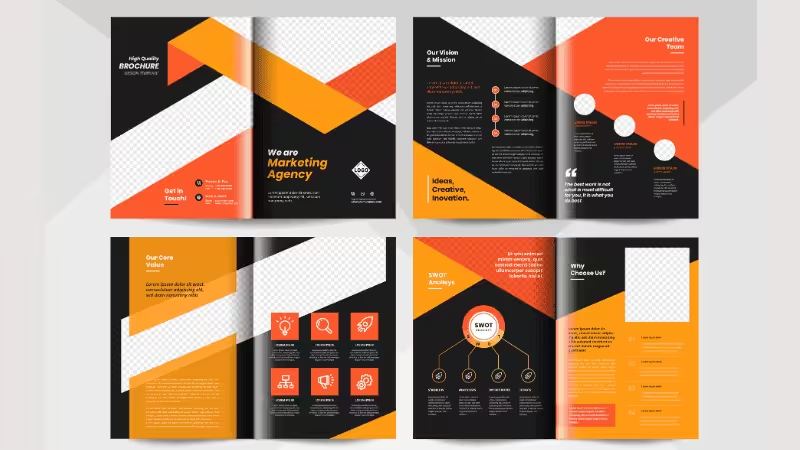
If you’re new to booklet design or short on time, using templates can be a lifesaver. Many online resources offer free, customizable booklet templates that are professional and easy to edit and adapt. They provide a solid foundation for your design, ensuring consistency and coherence.
6. High-Quality Imagery and Graphics
High-quality visuals say more than a thousand words, especially in a brochure. To build trust fast, skip the blurry web images. Use only high-quality photos — at least 300 DPI, sharp focus, and no ugly compression blur. If your images look fuzzy, customers will think your business isn’t professional.
7. Choose the Perfect Paper Weight
Cover stock is thick and sturdy — great for covers or booklets that get handled a lot. Text stock is thinner and costs less, best for interior pages. So use text stock inside and cover stock outside. That gives you good protection without overspending.
8. Check Your Format Before Printing
Don’t let your hard work go to waste at the printing shop. Always do two things before saving your final file. First, change your color mode from RGB (for screens) to CMYK (for print) so your colors don’t change unexpectedly. Second, convert all your text to outlines (curves) so your fonts don’t glitch or change into a default style on the printer’s computer.
Common Tools for Making a Booklet Template
Crafting a booklet is an art that combines creativity with technical skill. Thankfully, we live in an era where various tools are available, making this task both accessible and enjoyable. Let’s explore some of the most popular tools used for booklet making.
1. Adobe InDesign
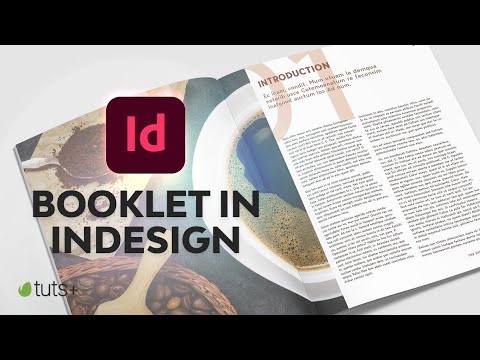
Adobe InDesign stands out as the professional’s choice. Known for its extensive features and precision, it’s ideal for creating detailed logos, complex booklets, and template designs. It offers many layout options, typography settings, and image-handling capabilities. Although it has a steeper learning curve, the results are often worth the effort for those seeking a high level of customization and a professional finish.
2. Microsoft Publisher
Microsoft Publisher is a more accessible, free alternative, especially for those already familiar with the Microsoft Office Suite. It provides a user-friendly interface with sufficient capabilities for creating simple to moderately complex booklets. Its integration with other Microsoft Office applications makes it a convenient choice for many projects for many users.
3. Canva
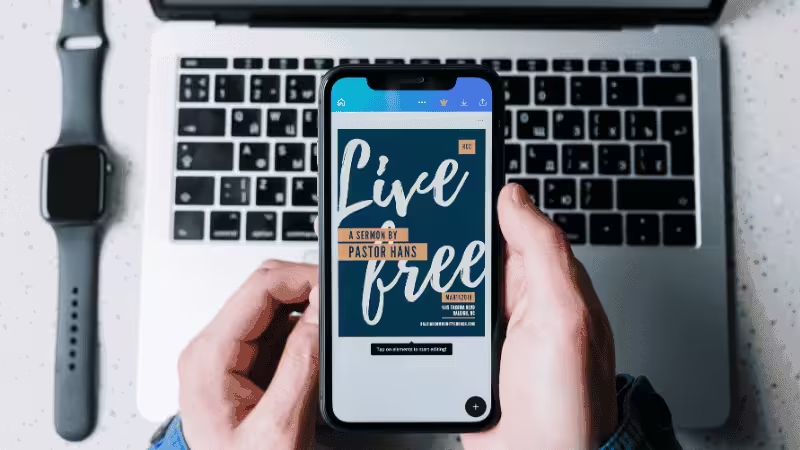
Canva has emerged as a popular tool for those seeking ease and efficiency. With its drag-and-drop interface, a plethora of templates, and a vast library of images, fonts, and graphics, Canva is particularly appealing for beginners or those needing to create a booklet quickly. It offers the right balance between simplicity and creativity.
4. Marq (Formerly Lucidpress)
Marq (Formerly Lucidpress) is a cloud-based design tool that shines in collaborative environments. Its strength lies in its ability to allow multiple users to work on a project simultaneously or real-time teamwork. You can explore it on the Marq Official Website to create your next stunning booklet. Just note that the free version is limited; paid plans start at $10/month to download high-res print files with professional white space control.
FAQs
Q1: What is the best standard size for a business booklet?
The most common standard sizes are A4 and A5, or Letter and Digest sizes in the US. A4 and Letter sizes are perfect for detailed product catalogs with big images and lots of text. A5 and Digest sizes are smaller and easier to carry, making them great for event programs or pocket guides.
Q2: How many pages should a booklet have minimum?
A booklet must have at least 4 pages because one sheet of paper folded in half creates four individual pages. If you choose saddle stitch binding, your total page count must always be a multiple of 4 (like 8, 12, 16, or 20 pages). For thicker booklets with more than 40 pages, you should use perfect binding instead.
Q3: What is the difference between a booklet and a brochure?
A brochure is usually a single sheet of paper folded into sections, like a tri-fold, used for quick marketing. A booklet has multiple pages bound together with staples, glue, or coils like a small book. Booklets are better for sharing long brand stories, product catalogs, or training manuals.
Q4: Where can I get custom booklets printed with matching brand packaging?
It is best to work with a one-stop supplier that handles both printing and custom packaging to keep your brand looking consistent. Professional platforms like Packoi can match your booklet design with custom boxes, gift bags, and shipping supplies. This saves you time, lowers shipping costs, and ensures all your colors match perfectly.
Conclusion
Designing booklets is not just about compiling multiple pages together; it’s an artistic journey encapsulating your brand’s narrative. Each booklet uniquely expresses your creativity, blending visual appeal with meaningful content. Embrace this process and watch your brand story unfold in every design.
Discover the Perfect Booklet for Your Business with Packoi
Transform your marketing materials with Packoi‘s bespoke booklet templates and designs. Tailored to reflect your brand’s identity, our services range from elegant to vibrant creations, ensuring a lasting impact. Connect with us for booklets that aren’t just informative but are memorable pieces of your brand’s story. Start your design journey at Packoi.